View the Audit Log
You can view the data configuration-related actions that were performed such as activation of a data pipeline for a functional area, setting up of reporting parameters, and saving a data augmentation. You can filter by Entity Name and Action Type.
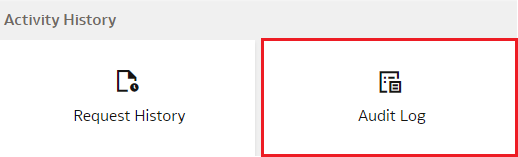
- On the Data Configuration page, under Activity History, click Audit Log.