Prioritize Datasets for Incremental Refresh (Preview)
As a functional administrator, you can select datasets to prioritize for incremental refresh over others. For example, at the end of the quarter, you want to prioritize some of the datasets that have bookings data over other datasets.
You can search for and choose datasets based on the functional areas. The incremental refresh process runs the priority dataset refresh first from end-to-end, followed by the regular incremental refresh.
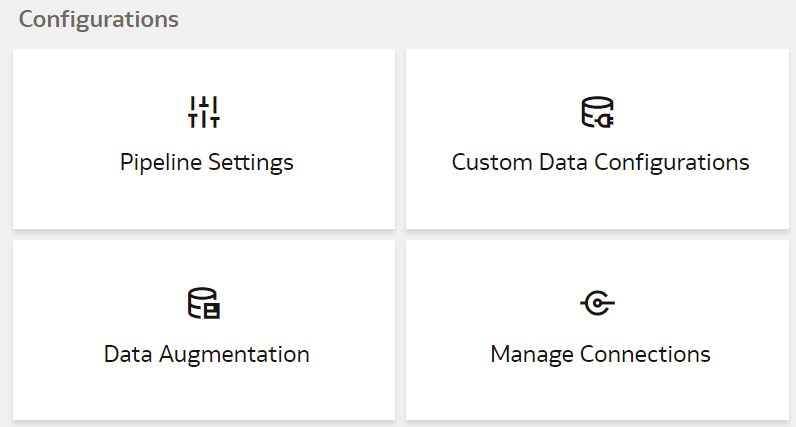
- On the Data Configuration page, under Configurations, click Pipeline Settings.
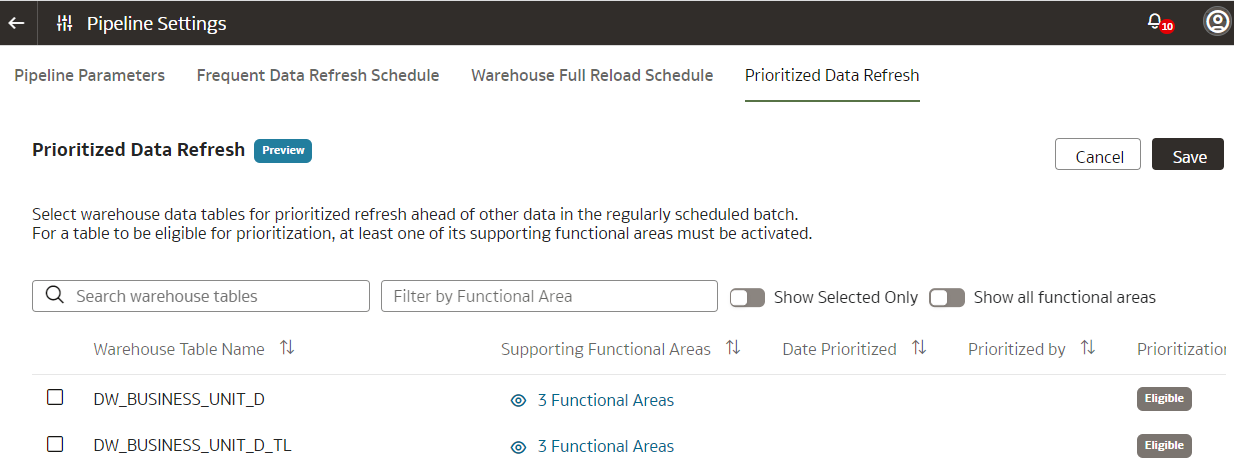
- On the Pipeline Settings page, click the Prioritized Data Refresh tab.
 Note
Note
You can't include data augmentations of type Data Set or Dimension Alias, data augmentations with no last modified date, and versioned data sets in a prioritized refresh; hence the system doesn't how these in the list of tables available.