After you prepare, validate, and apply the latest changes to your sandbox, you can merge your sandbox with the main Sandbox.
The Merge to Main Sandbox option is available when the other custom sandbox has been published.
- Sign in to your service.
- In Oracle Fusion Data Intelligence
Console, click Semantic Model
Extensions under Application
Administration.
- On the Semantic Model Extensions page, click User
Extensions.
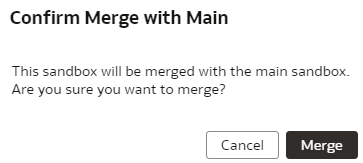
- On the Semantic Model Extensions page, under Customizations Sandbox, hover over an applicable sandbox to view Actions, click Integrate Sandbox, and then click Merge to Main Sandbox.
- In Confirm Merge with Main, review the message and click
Merge.