Create a Bundle
Create a snapshot of your application artifacts to save their current state. You can view the bundles that you created on the Bundles page.
- On the Bundles page, click Create.
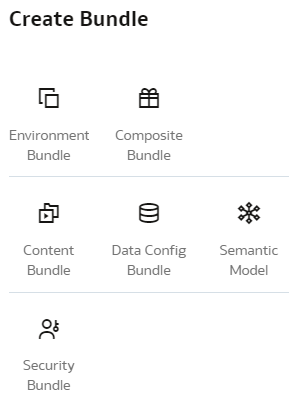
- In Create Bundles, select the type of bundle that you want to create. For example, Content Bundle.